The endless runner you play with your body.
Prop up your iPhone, AirPlay the game to your TV, and move. Jump, squat, lean and run in place. The camera turns your body into the controller.
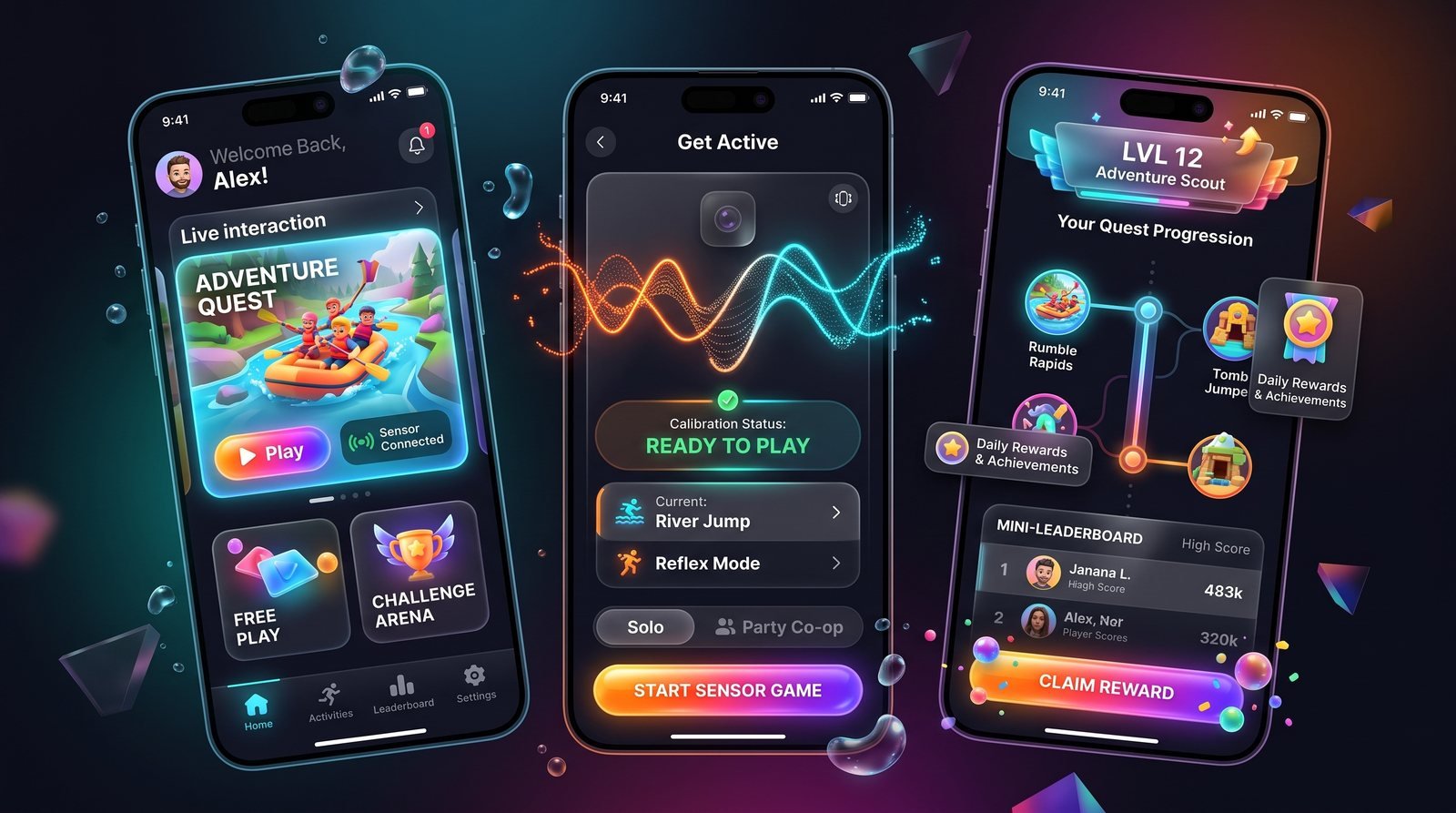
A real game. Your body is the controller.
FitDash turns a living room into a running track. You play with your whole body, and the game reacts in real time.
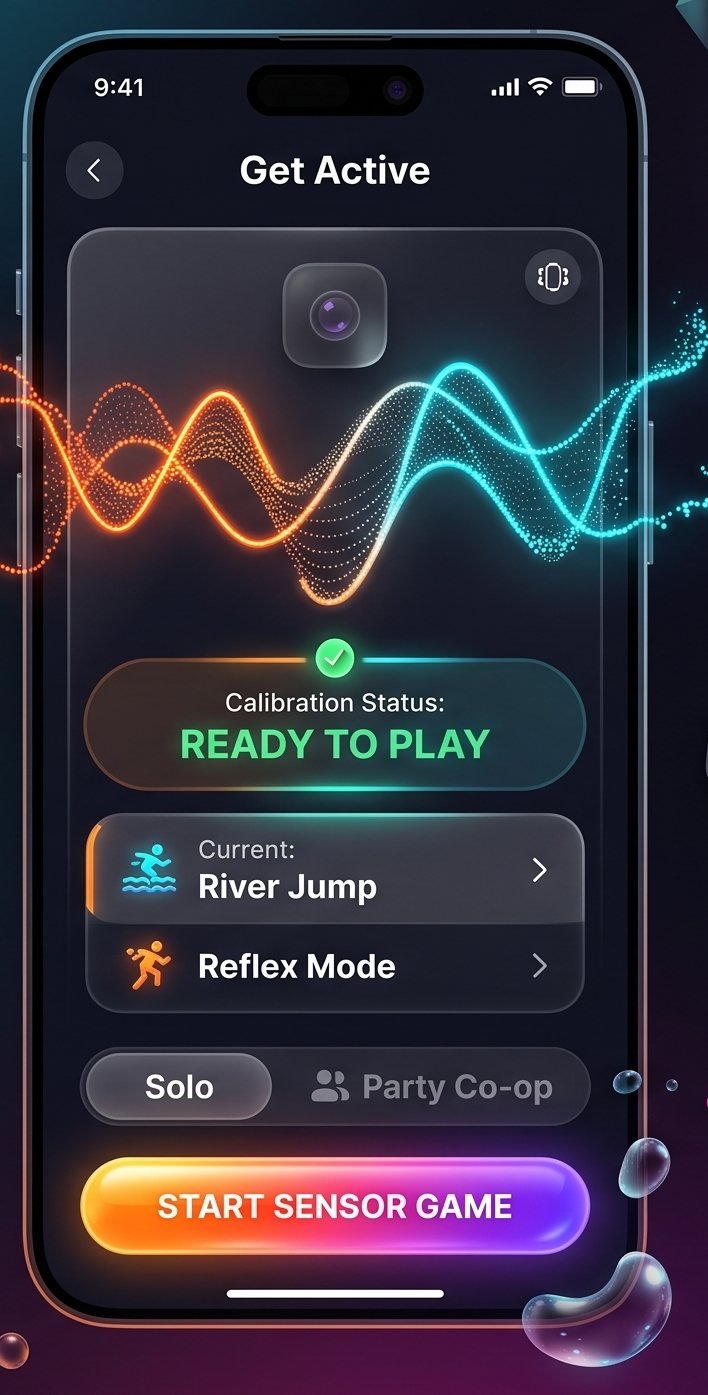
Calibrate once, then just move
Stand in front of the phone. FitDash finds your body, checks that you are in frame, and tells you when you are ready to play.
- Full-body pose detection with the front camera
- Solo runs, with more modes on the way
- Clear on-screen cues if you step out of frame
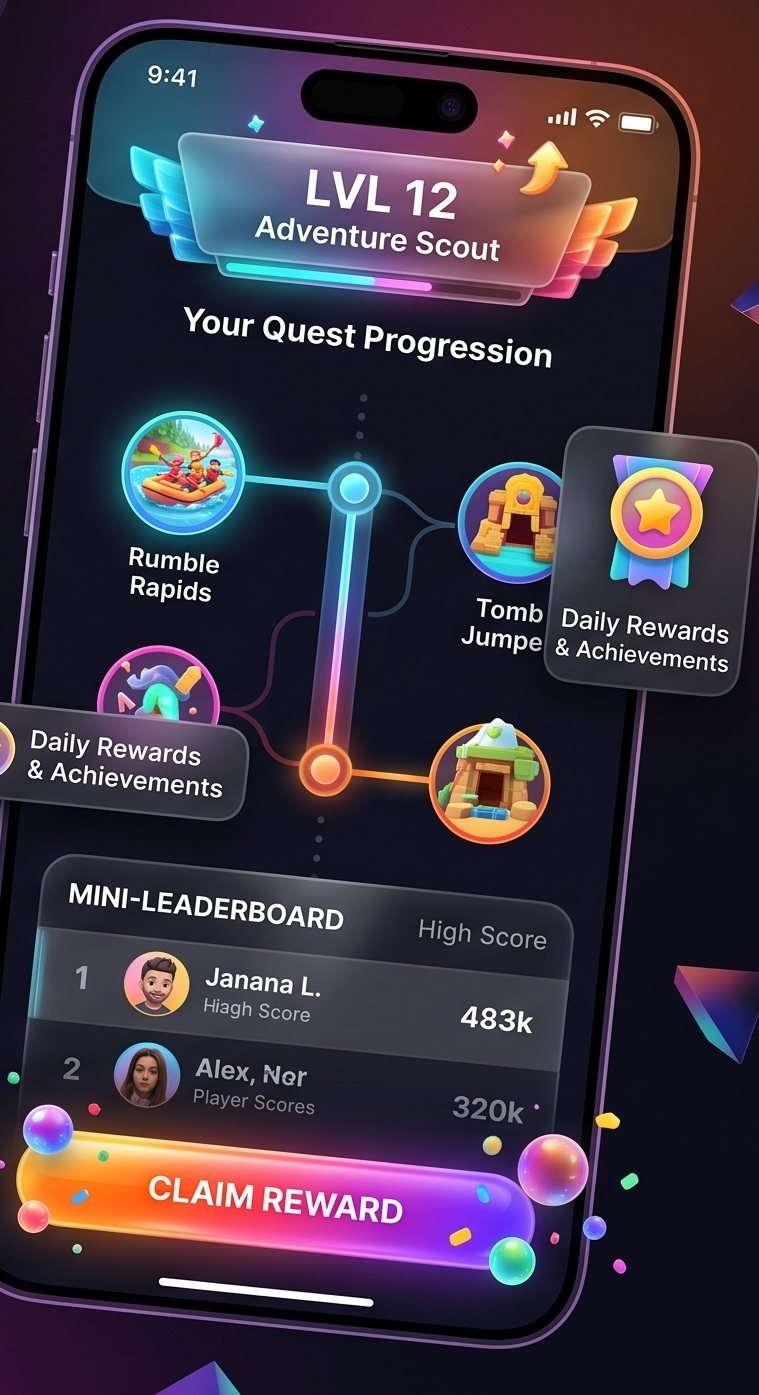
Quests, levels and high scores
Every run counts. Clear quests, level up and try to beat your best score on the next run.
- Quest map with new worlds to unlock
- Levels and daily rewards
- Personal best scores
Made for the TV
AirPlay mirrors the game to your TV, so you see the track in full size while the phone watches your moves.
The camera stays on your phone
Body tracking runs on your iPhone. Camera frames are not recorded, stored or uploaded to our servers.
Set up in about a minute.
You need an iPhone, a TV with AirPlay, and some space to move.
- 01
Prop up your iPhone
Stand the phone upright near the TV, with the front camera facing you. Step back until your whole body is in frame.
- 02
AirPlay to your TV
Open Control Center, tap Screen Mirroring and choose your Apple TV or AirPlay-compatible TV.
- 03
Move to play
FitDash calibrates to your body. Then you jump, squat, lean and run in place to control your runner.
Four moves. Endless runs.
Each move maps to one action in the game. Easy to learn, and harder the longer you run.
Jump
Jump to clear gaps and low obstacles on the track.
Squat
Squat down to slide under barriers.
Lean
Lean left or right to change lanes.
Run in place
Run in place to keep your runner moving and pick up speed.
Exercise that does not feel like a workout.
FitDash is built for people who would rather play than count reps. You chase a high score, and the movement comes with it.
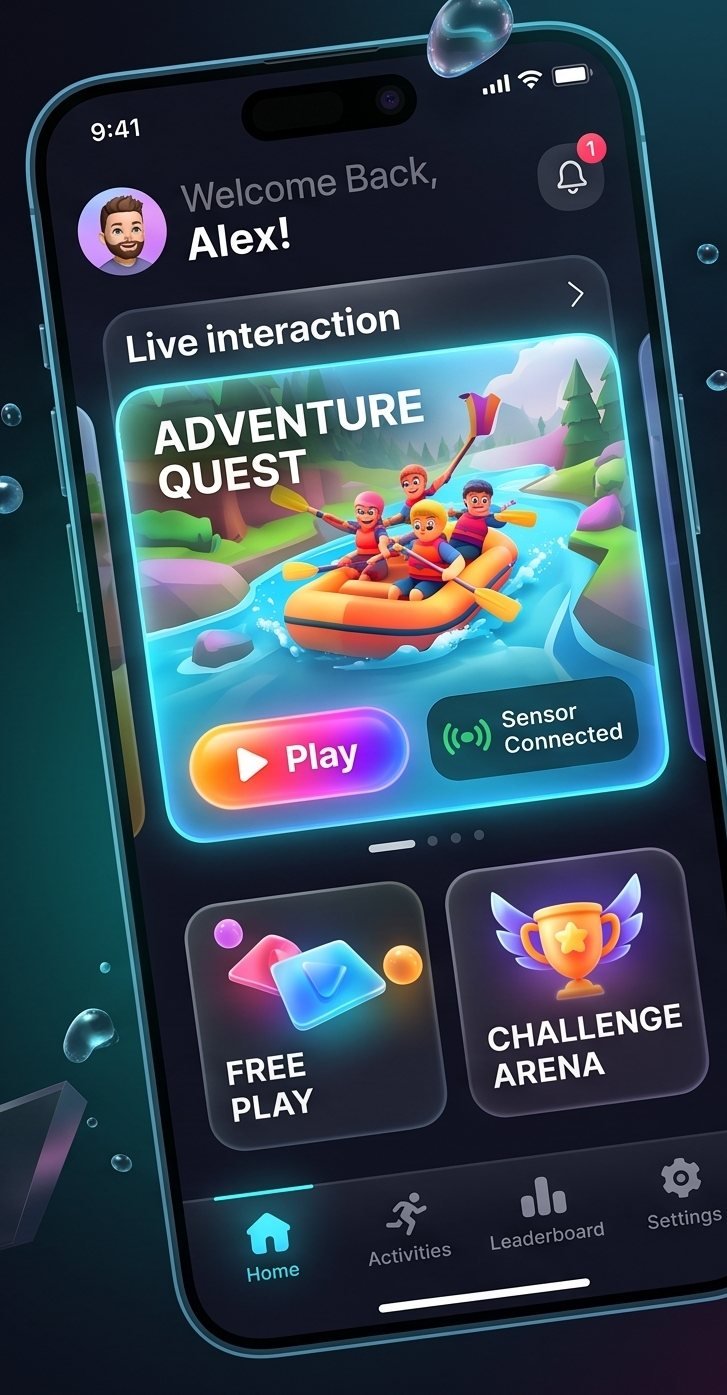
Play, not reps
Short runs with clear goals. You move because the game asks you to, not because a timer does.
Living-room ready
No controller, no wearables, no mat. Prop up the phone, mirror to the TV, and start a run.
Private by design
Body tracking runs on your iPhone. We do not record or upload what the camera sees.
What is FitDash?
FitDash is an endless runner game for iPhone. You do not tap the screen. The front camera follows your body, and you jump, squat, lean and run in place to control your runner.
What do I need to play?
An iPhone with a front camera, and a TV or display that supports AirPlay, such as an Apple TV or an AirPlay-compatible smart TV. You also need some free space in front of the phone.
Does FitDash record or upload my camera video?
No. Camera frames are processed on your iPhone to detect your body position, and are not recorded, stored or sent to our servers. See the Privacy Policy for details.
Do I need any extra hardware or wearables?
No. FitDash uses the iPhone camera. There is no controller, sensor band or mat to buy.
How much space do I need?
We recommend about 2 m (6 ft) of clear space in front of the phone, so the camera can see your whole body and you can move safely.
How much does FitDash cost?
Pricing will be shown on the App Store page before you download. FitDash may offer optional subscriptions or in-app purchases, and Apple handles all payments.
When does FitDash launch?
FitDash is coming soon to the App Store for iPhone. Join the waitlist and we will email you when it is available.
Is FitDash a medical or fitness device?
No. FitDash is a game. It does not give medical advice. Check with a doctor before you start a new physical activity, and stop if you feel pain or dizziness.
Get FitDash first.
FitDash is coming soon to the App Store for iPhone. Join the waitlist and we will email you on launch day.
We only use your email to tell you about the FitDash launch.